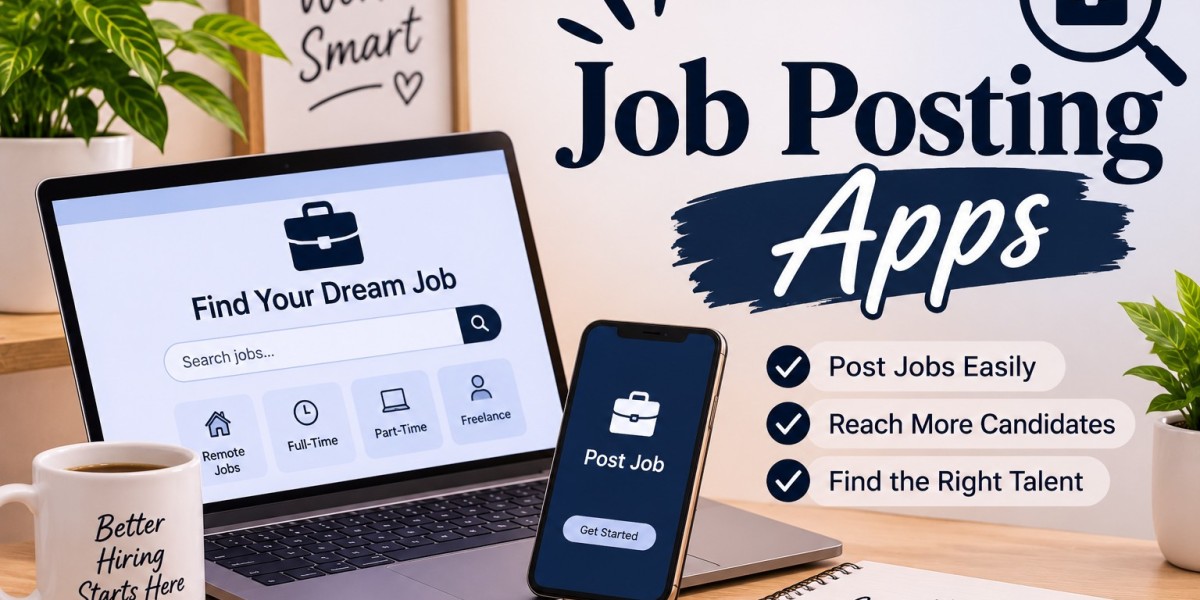

When you need a new worker, you usually need them soon. Maybe a team member quit, business is growing, or a busy season is coming. Waiting weeks to fill a role is not an option. The good news is that you no longer need a desk, a big budget, or an HR team to hire. With simple job posting apps, you can find good workers using nothing but your phone.
In this guide, we will explain how job posting apps work, what features to look for, and how to use them to find the right people quickly.
What Are Job Posting Apps?
Job posting apps are mobile tools that let employers publish job openings and manage applications from a smartphone or tablet. Many also work on a computer, so you can switch between devices easily.
You open the app, enter the details of the job, and publish. Job seekers see your post and apply right away. You can then read resumes, message candidates, and track your hiring progress, all in one place.
Why Use Your Phone for Hiring?
Most people use their phones all day, and that includes job seekers. Hiring from your phone has real advantages:
You can post anytime: Publish a job from your shop, your car, or your couch.
Candidates apply faster: Many job seekers browse and apply on their phones, so mobile-ready posts get quick replies.
You can respond instantly: Notifications let you reply before another employer reaches the same candidate.
No waiting at a desk: Urgent openings can be posted the moment you need them.
Everything is in one place: Applications, messages, and notes stay organized in the app.
For small business owners who are always busy, this flexibility can save hours every week.
Features of Simple Job Posting Apps
Not every app is the same. When you compare options, look for these useful features:
Easy posting: You should be able to publish a job in a few taps.
Templates: Ready-made job descriptions save time and help you write clearly.
Free or low-cost plans: Check that you can post without hidden fees.
Application tracking: See who applied, who is shortlisted, and who you already contacted.
In-app messaging: Talk to candidates without switching between email, calls, and texts.
Instant notifications: Get alerts when new applications arrive.
Screening questions: Filter applicants before you read every resume.
Good reviews: Check feedback from other employers about reliability.
The best job posting apps are simple to learn and give you enough tools to manage hiring from start to finish.
How to Find Good Workers on Your Phone: Step by Step
Step 1: Decide What You Need
Before you open any app, write down the job title, main duties, required skills, working hours, location, and pay range. A clear plan makes your job post stronger and helps you avoid the wrong hire.
Step 2: Choose Two or Three Apps
Start with a small group of job posting apps that fit your industry and location. If you want a simple place to begin, you can explore hiring options and publish openings on Yulys Jobs and see how an online job platform fits your needs.
Step 3: Write a Simple Job Post
Use a clear title that people actually search for, such as "Delivery Driver" or "Store Assistant." Describe the role in short paragraphs and bullet points. Include the pay, hours, and location, and add a few friendly lines about your team.
Step 4: Add Screening Questions
A few quick questions can save you hours. Ask about experience, availability, or specific skills so you can see who is a good match before reading every resume.
Step 5: Publish and Share
Publish your post, then share the link on your social media pages, your website, and local community groups. The more places your job appears, the more people will see it.
Step 6: Check Applications Daily
Review new applications every day instead of waiting until the end. Shortlist promising people and reject unsuitable ones so your list stays tidy.
Step 7: Reply Quickly
Contact your best candidates within a day or two. Send a friendly message with clear next steps, such as a short call or interview. Fast communication shows professionalism and keeps candidates interested.
Step 8: Interview and Decide
Interview your shortlisted candidates, listen for honest and clear answers, and check references if possible. When you choose the right person, send a clear offer with the job title, pay, and start date, and then close your job post.
How to Spot Good Workers From Their Applications
Finding good workers is not only about posting. It is also about knowing what to look for. Here are some simple signs:
Clear, complete applications: Candidates who take time to fill in details are often careful workers.
Relevant skills or experience: Look for past work or projects that connect to the role.
Stable work history: Long stays in past jobs can be a good sign, though everyone's situation is different.
Good communication: Polite, clear messages suggest they will communicate well on the job.
Fast replies: Candidates who respond quickly are usually serious about the opportunity.
Willingness to learn: For entry-level roles, attitude can matter as much as experience.
No single sign tells the whole story, so use a mix of clues, an interview, and references.
Tips for Better Results From Job Posting Apps
A few simple habits can help you attract better candidates:
Write for small screens. Use short paragraphs and bullet points so your post is easy to read on a phone.
Be honest and specific. Clear details about duties, hours, and pay attract serious people and reduce time-wasters.
Show your workplace culture. A few lines about your team and values can make your business stand out.
Keep the application short. Long forms push good candidates away. Ask only for what you need at first.
Track your results. Notice which apps bring the best candidates and focus your effort there.
Refresh old posts. If a post is not getting views, change the title or description and repost it.
Common Mistakes to Avoid
Some small errors can slow down your hiring. Watch out for these:
Publishing a vague post with unclear duties
Leaving out pay, location, or working hours
Using too many apps and losing track of applicants
Ignoring notifications and replying too late
Asking for too many documents at the start
Forgetting to close the post after hiring
Taking one extra minute to review your post before you publish can save you days of extra work.
Who Can Benefit From Job Posting Apps?
Job posting apps work well for many kinds of employers:
Small business owners without an HR team
Restaurants, shops, and service businesses that hire often
Startups that need to build a team on a tight budget
Busy managers who hire while on the move
Freelancers and agencies who need temporary or project-based help
If you hire even a few times a year, a good app can make the process faster and easier.
Conclusion
You do not need a big budget or a desk to find good workers. Simple job posting apps let you publish a job in minutes, manage applications from your phone, and reply to candidates quickly. They save time, lower costs, and make hiring easier for small and growing businesses.
Start with a clear job description, choose a few reliable apps, and respond to candidates fast. For more hiring tips, recruitment ideas, and practical advice for employers, you can also read the helpful articles on the Yulys blog. With the right app and a little preparation, finding your next great worker can be simpler than you think.
Frequently Asked Questions (FAQs)
1. What are job posting apps?
Job posting apps are online tools that let employers publish job openings, receive applications, and manage hiring from a phone or computer. They often include messaging and tracking features.
2. Can I really hire from my phone?
Yes. Most job posting apps let you write a post, review resumes, message candidates, and schedule interviews directly from your phone.
3. How fast can I find workers with job posting apps?
Many employers receive applications within hours of posting. The total time depends on the role, but clear job posts and quick replies help speed things up.
4. Are job posting apps good for small businesses?
Yes. They are affordable, easy to use, and save time. Small businesses without an HR team can manage the whole hiring process from one place.