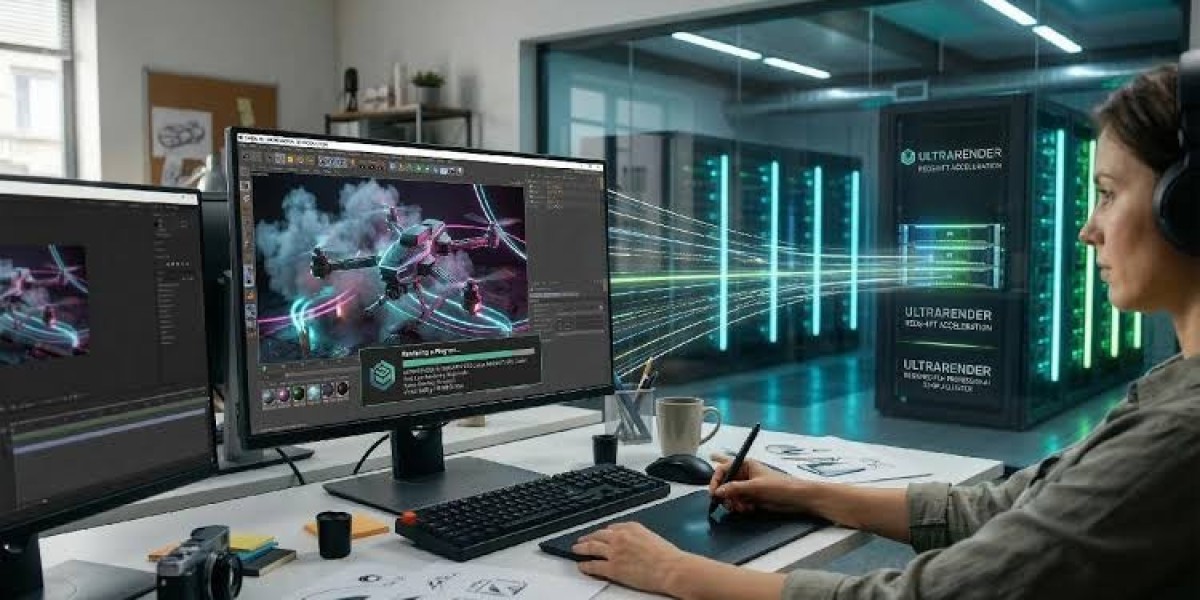

Creating complex 3D animations requires more than artistic ability and powerful software. Every detailed model, dynamic simulation, and carefully designed visual effect places additional demands on your computer. When hardware cannot keep pace, even simple creative tasks can become frustrating and time-consuming. Choosing the right workstation helps maintain smooth performance, improve rendering efficiency, and keep demanding animation projects moving forward.
Understanding Project Requirements
Before investing in new hardware, consider the complexity of your typical Cinema 4D projects. A Maxon Cinema 4D High Performance workstation should support the specific demands of your animation pipeline, including modeling, texturing, lighting, simulation, and rendering. Projects featuring detailed environments, high polygon counts, and numerous animated objects generally require more processing power and memory than simpler scenes.
It is equally important to think about how your workload may change over time. A workstation designed only for current requirements might struggle as projects become larger and more sophisticated. Consider the resolution of your final output, the number of assets in each scene, and the rendering techniques you regularly use. These factors provide a practical foundation for selecting compatible hardware.
Selecting Powerful Processors
The CPU plays an important role in many Cinema 4D operations, particularly tasks involving scene calculations, simulations, and certain rendering processes. A capable processor can help artists work more efficiently when handling complex geometry, procedural systems, and demanding animation setups. Choosing a processor with suitable core counts and strong single-core performance can make a noticeable difference.
When comparing processors, avoid focusing exclusively on clock speeds or core counts. Consider the balance between single-threaded responsiveness, multi-threaded performance, power consumption, and thermal requirements. A well-matched CPU ensures that demanding applications receive the processing resources they need without creating unnecessary bottlenecks elsewhere in the workstation.
Prioritizing System Memory
Memory capacity becomes increasingly important as animation scenes grow in complexity. Large projects may contain thousands of objects, high-resolution textures, character rigs, simulation data, and multiple cached elements. Insufficient RAM can lead to slowdowns, application instability, and interruptions when switching between demanding production tasks.
For a professional Maxon Cinema4D workstation, memory should be selected according to project complexity and application requirements. Artists working with large environments or multiple creative applications simultaneously may benefit from additional capacity. It is also worth checking memory compatibility, available motherboard slots, supported speeds, and upgrade options before purchasing a system.
Investing In Fast Storage
Storage performance influences how quickly projects load, assets transfer, and applications access production files. Complex animation workflows frequently involve large texture libraries, geometry caches, simulation data, and rendered sequences. Traditional hard drives can become a limitation when artists regularly access substantial amounts of project data.
A high-speed NVMe SSD is a practical choice for operating systems, creative applications, and active projects. Consider maintaining separate storage for backups and archived work to protect valuable production files. Keeping sufficient free space also helps prevent unnecessary storage-related complications. A well-planned configuration improves everyday responsiveness and makes managing large projects easier.
Maintaining Effective Cooling
Complex animation and rendering tasks can keep processors and graphics cards under heavy workloads for extended periods. Without adequate cooling, temperatures may rise and trigger thermal throttling, reducing component performance. This can increase rendering times and make long production sessions less predictable.
A reliable workstation should include suitable CPU cooling, effective case ventilation, and properly positioned fans. Dust filters and cooling components also require periodic maintenance to preserve airflow. Monitoring temperatures during demanding workloads can help identify problems before they affect production. Good thermal management supports consistent performance and contributes to long-term hardware reliability.
Evaluating Software Compatibility
Hardware selection should always consider the software environment in which the workstation will operate. Cinema 4D projects may involve third-party render engines, simulation tools, plugins, compositing applications, and other production software. A component that performs well in one application may not deliver the same results in another.
Before purchasing, review the recommended specifications and compatibility requirements of your essential tools. Pay particular attention to GPU support, operating system requirements, driver versions, and available memory. Testing important updates before introducing them into active production environments can also prevent unexpected disruptions. A compatible system provides a more dependable foundation for complex creative work.
Planning Future Upgrades
A workstation should be considered a long-term production investment rather than a purchase based entirely on immediate requirements. As animation techniques develop, artists may need additional memory, faster storage, or stronger graphics capabilities. Choosing a system with suitable expansion options can make future improvements easier and more economical.
Look for motherboards with available memory slots, sufficient storage connections, and appropriate expansion capacity. Check the power supply rating and cooling design before planning component upgrades. This approach allows studios and independent artists to improve their systems gradually without replacing every component. Careful planning also helps maintain a balance between performance, reliability, and overall investment.
Building Reliable Workflows
Cloud Ninjas can help professionals explore workstation hardware options suited to demanding creative environments. By investing in compatible components and allowing room for future upgrades, artists can build systems that support increasingly complex animation projects. Ultimately, the right workstation does more than reduce waiting times. It gives creative professionals the confidence to experiment, produce detailed scenes, and bring ambitious visual ideas to life.